After the baby is born: switching to baby mode
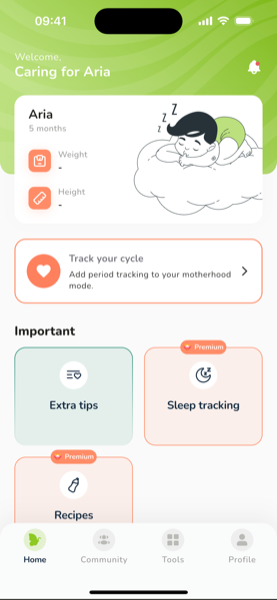
When the baby arrives, tell the app — it turns the pregnancy screen into a baby-care screen.
- Open Profile
- In the Pregnancy section, tap My baby was born
- Enter the baby's name, sex and date of birth
What changes
- The home screen shows the baby's age, the next vaccine with reminders, monthly milestones and daily tips for the baby's age
- The Tools tab gets the feeding tracker (breast, bottle, pumping, diapers), the sleep plan, growth and the vaccine calendar
- The Community moves you to the group for your baby's age
Your pregnancy history isn't deleted — it stays in your accounts list.
If the pregnancy ended differently, use End tracking instead. The app will offer cycle tracking, and if you have Premium, it will offer to pause your subscription so no days are lost.
Was this article helpful?